West University Place professionals face unique spreadsheet challenges daily. From managing complex financial models to organizing operational data, Excel remains the backbone of business operations across this dynamic Houston community. Whether you're a small business owner tracking quarterly revenue, a medical practice coordinator managing patient scheduling, or a consultant analyzing client data, finding reliable excel help west university place residents can depend on makes all the difference between efficiency and frustration. The right support transforms broken formulas, chaotic workbooks, and time-consuming manual processes into streamlined, automated systems that save hours every week.
Understanding Your Excel Challenges in West University Place
Excel problems rarely announce themselves clearly. You might notice calculations producing unexpected results, charts displaying incorrect trends, or file sizes ballooning to unusable proportions.
Common spreadsheet issues professionals encounter include:
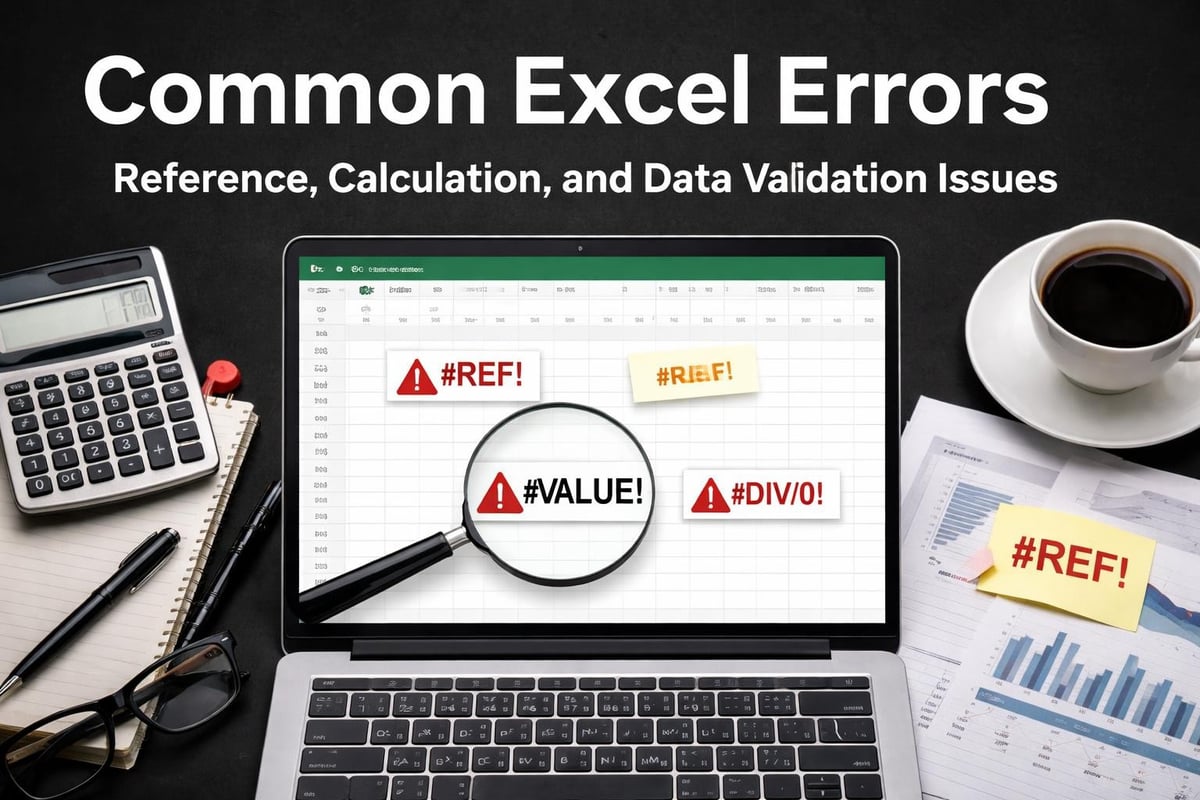
- Formulas returning #REF!, #VALUE!, or #N/A errors without clear explanations
- Workbooks freezing or crashing when opening large datasets
- Inconsistent formatting across shared team documents
- Manual data entry tasks consuming hours each week
- Reports requiring complete rebuilding every month instead of refreshing automatically
These challenges compound over time. A small formula error in January becomes a corrupted quarterly report by March. What starts as a minor inconvenience evolves into a critical business bottleneck affecting decision-making and productivity.
Why Local Excel Expertise Matters
Generic online tutorials offer broad guidance but rarely address your specific situation. When you need excel help west university place businesses require, context matters significantly. Local expertise means understanding the Houston business environment, recognizing industry-specific workflows common in the area, and providing hands-on support when remote troubleshooting falls short.
Professional Excel support delivers immediate value through personalized diagnosis. Rather than spending hours searching forums and trying random solutions, you receive targeted fixes addressing your exact problem. This approach saves time, prevents data loss, and builds sustainable spreadsheet practices for long-term success.
Essential Excel Services for West University Place Professionals
The Analytics Doctor provides comprehensive solutions tailored to diverse business needs. From emergency repairs to strategic automation, professional excel help west university place teams trust encompasses multiple service categories.
| Service Type | Best For | Typical Timeline | Key Benefits |
|---|---|---|---|
| Formula Troubleshooting | Broken calculations, error messages | Same day | Immediate problem resolution |
| Data Cleaning | Inconsistent formats, duplicates | 1-3 days | Accurate reporting foundation |
| Report Automation | Monthly/quarterly reports | 1-2 weeks | 80%+ time savings |
| Custom Training | Team skill development | Ongoing | Long-term self-sufficiency |
Emergency Spreadsheet Repairs
Urgent situations demand rapid response. When critical financial models break hours before a board meeting, or client databases corrupt before a major presentation, emergency support becomes essential. Professional Excel consulting services in Houston provide immediate diagnosis and repair, often resolving issues within hours rather than days.
Emergency services typically address file corruption, formula cascades causing calculation errors, and macro failures disrupting automated workflows. The focus remains on rapid stabilization followed by root cause analysis to prevent recurrence.
Personalized Excel Training Solutions
Many professionals rely on self-taught Excel knowledge, creating gaps in fundamental understanding. Corporate Excel training fills these gaps systematically, building from your current skill level to advanced capabilities relevant to your role.
Effective training emphasizes practical application over theoretical knowledge. Rather than memorizing every function, you learn which tools solve your specific challenges and how to apply them efficiently. This targeted approach delivers faster competency development and immediate workflow improvements.
Transforming Data Management for West University Place Businesses
Data represents your business's memory and decision-making foundation. Poor data management creates ripple effects throughout operations, from inaccurate forecasting to compliance risks. Quality excel help west university place organizations need starts with establishing robust data practices.
Building Audit-Ready Spreadsheet Models
Professional workbooks follow structured standards ensuring accuracy, transparency, and maintainability. These standards include consistent naming conventions, documented assumptions, separated input and calculation areas, and comprehensive error checking. For those seeking to enhance their foundational skills, exploring free Excel training resources provides valuable supplementary learning opportunities.
Key components of audit-ready models:
- Clear documentation explaining formulas, assumptions, and data sources
- Version control tracking changes and maintaining historical accuracy
- Error prevention through data validation and protected ranges
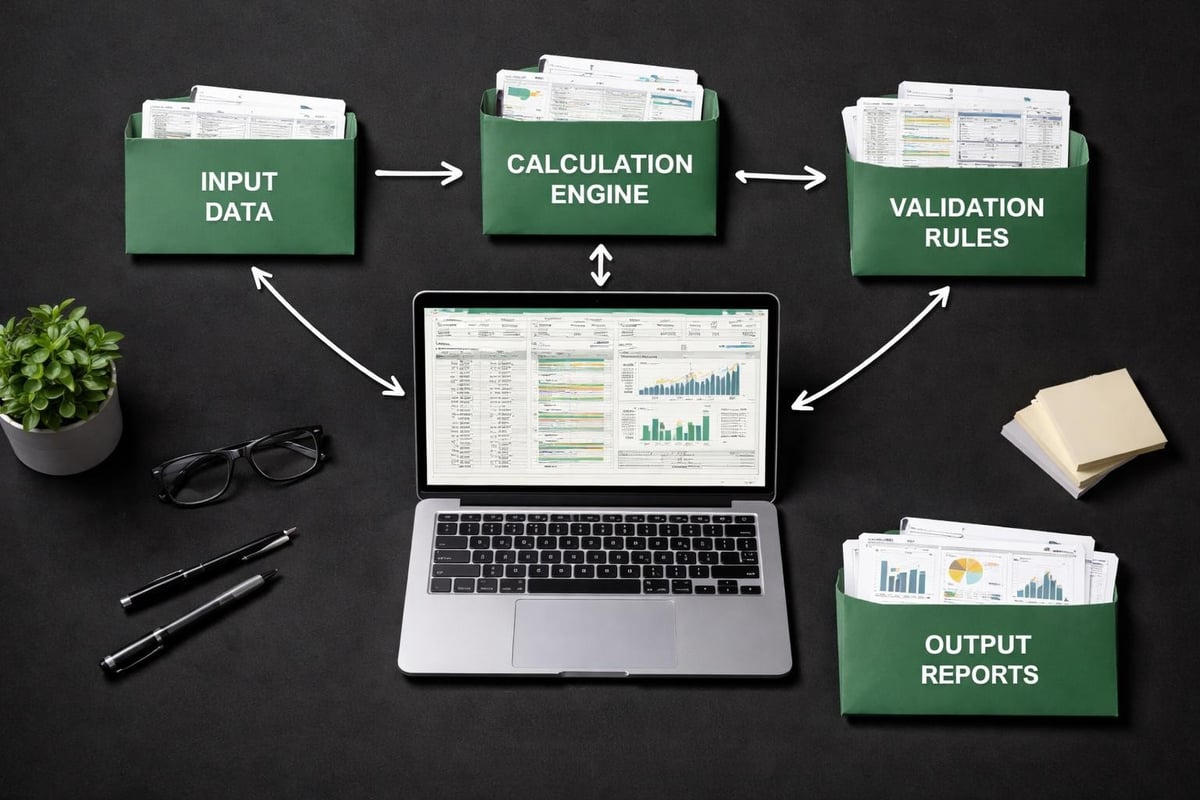
- Logical structure organizing inputs, calculations, and outputs separately
- Testing protocols verifying accuracy before deployment
These practices transform spreadsheets from fragile, person-dependent tools into reliable business assets any team member can understand and maintain.
Automating Repetitive Reporting Tasks
Manual reporting wastes valuable professional time. Tasks like copying data between systems, reformatting exports, updating charts, and distributing reports consume hours that could support strategic work. Excel business automation eliminates this waste through intelligent workflow design.
Automation begins with mapping your current process step-by-step. This analysis identifies bottlenecks, redundancies, and opportunities for consolidation. Solutions range from simple formula improvements to advanced macro development, always scaled appropriately to your needs and technical comfort level.
Consider a typical monthly sales report requiring eight hours of manual work. Automation reduces this to 15 minutes of data refresh and verification. That's 93 hours recovered annually per report, multiplied across all repetitive tasks in your organization.
Advanced Excel Capabilities for Growing Organizations
As West University Place businesses scale, spreadsheet demands grow more complex. Simple formulas give way to multi-dimensional analyses, static reports evolve into interactive dashboards, and individual workbooks become interconnected systems supporting organization-wide decisions.
Power Pivot and Data Modeling
Power Pivot extends Excel's analytical capabilities dramatically, handling millions of rows and complex relationships traditional formulas cannot manage. This feature particularly benefits organizations consolidating data from multiple sources or analyzing trends across large datasets. Understanding Power Pivot fundamentals unlocks enterprise-level analysis within familiar Excel environments.
Data modeling creates structured relationships between tables, enabling sophisticated analyses without repetitive VLOOKUP formulas. This approach improves calculation speed, reduces file size, and simplifies maintenance as business requirements evolve.
Creating Interactive Dashboards
Visual communication transforms raw data into actionable insights. Well-designed dashboards present key metrics clearly, highlight trends automatically, and enable quick exploration of underlying details. Learning how to create dashboards in Excel empowers professionals to communicate complex information effectively.
Effective dashboards balance comprehensiveness with clarity. They answer primary questions at a glance while providing drill-down capabilities for deeper investigation. This layered approach serves both executive audiences requiring high-level summaries and operational teams needing detailed analysis.
| Dashboard Element | Purpose | Best Practices |
|---|---|---|
| Summary KPIs | Quick performance overview | Limit to 4-6 key metrics |
| Trend Charts | Historical context | Use consistent time periods |
| Comparison Tables | Benchmark analysis | Highlight variances clearly |
| Filters/Slicers | Interactive exploration | Keep controls visible |
Solving Common Excel Problems West University Place Users Face
Understanding frequent issues helps you recognize problems early and seek appropriate excel help west university place professionals provide before minor inconveniences become major crises.
File Size and Performance Issues
Workbooks growing to 50MB or larger often signal underlying problems. Excessive formatting, embedded objects, unused data ranges, and inefficient formulas all contribute to bloat. Reducing Excel file size improves performance, prevents crashes, and facilitates easier sharing with colleagues.
Performance optimization involves multiple strategies. Replacing volatile functions like INDIRECT with more stable alternatives, converting formulas to values where recalculation isn't needed, and removing unnecessary formatting all contribute to leaner, faster workbooks.
Formula and Calculation Errors
Broken formulas frustrate users and undermine confidence in data accuracy. Common causes include deleted references, circular dependencies, incompatible data types, and incorrect function syntax. Systematic troubleshooting follows a diagnostic protocol examining each potential cause methodically.
Debugging checklist for formula errors:
- Verify all referenced cells contain expected data types
- Check for hidden rows or columns affecting ranges
- Examine calculation settings for manual/automatic mode
- Test components individually before combining complex formulas
- Use formula auditing tools to trace precedents and dependents
Many professionals developing Excel skills benefit from structured learning paths. Michigan State University's technical skills training resources offer curated materials supporting systematic skill development.
Data Validation and Quality Control
Preventing errors proves more efficient than correcting them. Excel data validation establishes guardrails ensuring users enter appropriate data types, values within acceptable ranges, and information formatted consistently.
Quality control extends beyond input validation. Regular audits verify calculation accuracy, cross-reference totals against source systems, and confirm reports reflect current business logic. This proactive approach maintains data integrity as models evolve and team members change.

Specialized Support for Different Professional Roles
Excel serves diverse functions across industries and positions. The excel help west university place professionals require varies significantly based on role-specific needs and challenges.
Financial Analysis and Modeling
Finance professionals demand precision and transparency. Models supporting investment decisions, budget forecasting, or variance analysis require rigorous documentation and testing. Complex scenarios involving multiple variables benefit from structured sensitivity analysis and clear assumption tracking.
Financial models also face unique regulatory and audit requirements. Maintaining detailed change logs, protecting formula integrity, and enabling independent verification all support compliance while preserving model flexibility.
Operations and Project Management
Operations teams coordinate multiple moving parts simultaneously. Excel supports inventory tracking, production scheduling, resource allocation, and performance monitoring. For operations professionals seeking to improve their spreadsheet workflows, guidance on designing efficient spreadsheets for operations teams provides practical frameworks for reducing errors and automating repetitive tasks.
Project managers particularly value timeline tracking, budget monitoring, and status reporting capabilities. Templates standardizing these functions across projects ensure consistency while allowing customization for specific initiatives.
Sales and Marketing Analytics
Revenue teams analyze pipeline health, campaign performance, and customer behavior patterns. Dashboards tracking conversion rates, customer acquisition costs, and lifetime value inform strategic decisions and tactical adjustments.
Marketing analytics often involves consolidating data from multiple platforms. Building connections between advertising systems, CRM databases, and financial records requires thoughtful data architecture and reliable refresh processes.
Choosing the Right Excel Help for Your Needs
Not all Excel support delivers equal value. Selecting appropriate assistance requires understanding your current situation, desired outcomes, and available resources.
When to Seek Professional Help vs. Self-Service Learning
Simple tasks like basic formatting or common function usage often benefit from quick online searches or brief tutorials. Resources like the best Excel online courses provide structured learning for building foundational skills at your own pace.
Professional intervention becomes worthwhile when problems resist straightforward solutions, when time pressure makes extended troubleshooting impractical, when errors pose significant business risks, or when building custom solutions requires specialized programming knowledge. Working with an Excel expert accelerates resolution and ensures robust, maintainable solutions.
Evaluating Excel Service Providers
Quality indicators include demonstrated expertise across diverse Excel capabilities, clear communication explaining technical concepts accessibly, systematic diagnostic approaches rather than trial-and-error fixes, training emphasis building your team's long-term capabilities, and proven track records with businesses similar to yours.
Budget-conscious professionals sometimes explore simple, pre-built solutions for common needs. Resources like JRen Digital offer straightforward budget and planning spreadsheets without complex formulas, providing accessible starting points for specific applications. However, unique business requirements typically demand customized solutions addressing your specific workflows and data structures.
Building Long-Term Excel Proficiency
Sustainable improvement requires more than solving immediate problems. Developing organizational Excel capabilities creates compounding value through improved efficiency, reduced errors, and enhanced analytical capabilities.
Establishing Spreadsheet Governance
Organizations relying heavily on Excel benefit from basic governance frameworks. These policies address file naming conventions, storage locations, backup procedures, access controls, and documentation standards. Consistent practices prevent confusion, facilitate collaboration, and protect against data loss.
Governance doesn't require extensive bureaucracy. Simple guidelines clearly communicated and reasonably enforced provide adequate structure for most organizations. The goal remains enabling productivity while managing risks appropriately.
Continuous Skill Development
Excel evolves continuously with new features and capabilities. Staying current requires ongoing learning through various channels. Professional development options include formal training programs, peer knowledge sharing, online resources and communities, vendor certifications, and hands-on project work applying new techniques.
For structured skill building, the Corporate Finance Institute's Excel resources offer materials specifically tailored for business professionals seeking to enhance their analytical capabilities. The Graduate School USA also provides free Excel resources covering advanced functions useful for analysis and reporting.
Organizations achieving Excel excellence typically cultivate internal champions who develop deep expertise, share knowledge with colleagues, advocate for best practices, and serve as first-line support for common questions. This distributed expertise model scales more effectively than centralizing all knowledge with individual specialists.
Maximizing Your Excel Investment
Excel represents more than software. It embodies your organization's analytical infrastructure, reporting systems, and operational workflows. Maximizing this investment requires strategic thinking about how spreadsheets support business objectives.
Integration with Other Business Systems
Excel rarely operates in isolation. Most organizations maintain CRM platforms, accounting systems, inventory databases, and various specialized applications. Effective excel help west university place businesses value includes connecting these systems appropriately, balancing integration benefits against complexity costs.
Integration approaches range from simple manual exports to sophisticated automated data pipelines. The right solution depends on data volume, update frequency, and accuracy requirements. Starting simple and adding complexity only when clearly justified prevents over-engineering while addressing genuine needs.
Measuring Excel Efficiency Gains
Improvement initiatives deserve measurement demonstrating their value. Relevant metrics include time saved on recurring tasks, error reduction in critical reports, faster decision-making through improved data access, and reduced dependency on specialized individuals for routine operations.
Tracking efficiency improvements:
- Document baseline performance before implementing changes
- Measure outcomes consistently using the same metrics
- Account for one-time implementation costs versus ongoing benefits
- Survey users about perceived improvements and remaining pain points
- Adjust solutions based on real-world usage patterns and feedback
This evidence-based approach justifies continued investment in Excel capabilities while identifying areas requiring further attention.
West University Place professionals deserve Excel solutions that work reliably, adapt to changing needs, and empower rather than frustrate. Whether you're wrestling with broken formulas, drowning in manual reporting tasks, or simply know your spreadsheets could work harder for you, expert support transforms these challenges into opportunities for improved efficiency and accuracy. The Analytics Doctor specializes in diagnosing spreadsheet problems and delivering practical solutions tailored to your specific needs, from emergency repairs to comprehensive training that builds lasting Excel proficiency for your entire team.