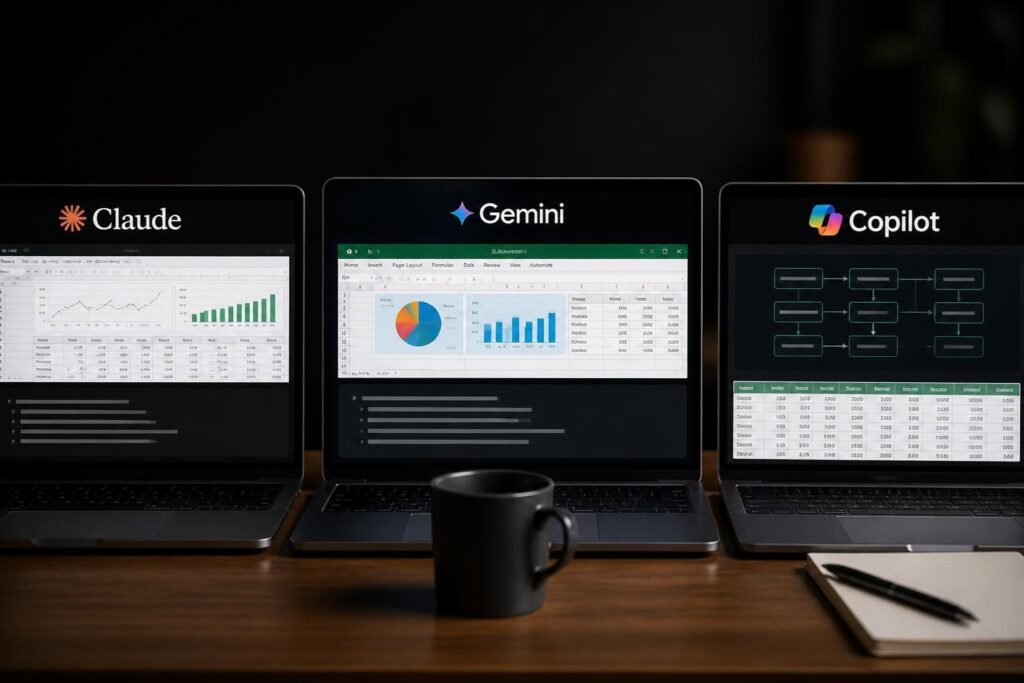
Spreadsheet automation has evolved dramatically with artificial intelligence, transforming how businesses handle data entry, analysis, and reporting. What once required hours of manual work-copying data between sheets, cleaning inconsistent entries, building complex formulas-can now be accomplished in minutes with AI-powered tools. These ai spreadsheet automation examples demonstrate practical applications that solve real business problems, from automated data extraction to intelligent formula generation. Whether you're managing financial reports, tracking inventory, or analyzing sales data, AI automation can eliminate the tedious tasks that consume your workday.
Automated Data Extraction and Entry
One of the most time-consuming spreadsheet tasks involves pulling information from various sources and entering it manually into structured formats. AI-powered automation transforms this process completely.
Email to Spreadsheet Automation
Modern AI tools can monitor your email inbox and automatically extract relevant information into spreadsheet rows. When you receive invoices, purchase orders, or customer inquiries, AI identifies key data points-amounts, dates, names, product codes-and populates your tracking spreadsheet without any manual intervention.
Key benefits include:
- Elimination of copy-paste errors
- Real-time data updates as emails arrive
- Consistent formatting across all entries
- Reduced processing time from hours to seconds
This approach works exceptionally well for businesses processing high volumes of similar documents. The AI-powered spreadsheet automation capabilities handle formatting inconsistencies that would normally require manual cleanup.
Web Scraping and Data Collection
AI spreadsheet tools can automatically pull information from websites, updating your spreadsheets with current pricing, inventory levels, or competitor data. Instead of manually visiting multiple sites and recording information, you set up automated workflows that refresh your data on schedule.
| Data Source | Automation Type | Update Frequency | Common Use Cases |
|---|---|---|---|
| E-commerce sites | Price monitoring | Hourly/Daily | Competitive analysis |
| Industry databases | Regulatory data | Weekly | Compliance tracking |
| Social media | Engagement metrics | Daily | Marketing performance |
| Financial portals | Stock prices | Real-time | Investment tracking |

Intelligent Formula Generation and Debugging
Creating complex formulas often requires extensive Excel knowledge and considerable trial-and-error. AI automation examples in this category demonstrate how natural language processing makes formula creation accessible to everyone.
Natural Language Formula Creation
Instead of remembering VLOOKUP syntax or nested IF statements, you simply describe what you need in plain English. Microsoft's integration of Copilot directly into Excel cells allows users to type requests like "calculate the average sales for products sold in Q1 2026" and receive working formulas.
Google Sheets users benefit from similar capabilities with Gemini’s formula explanation and repair features, which not only generates formulas but also explains why they work.
Automatic Error Detection and Correction
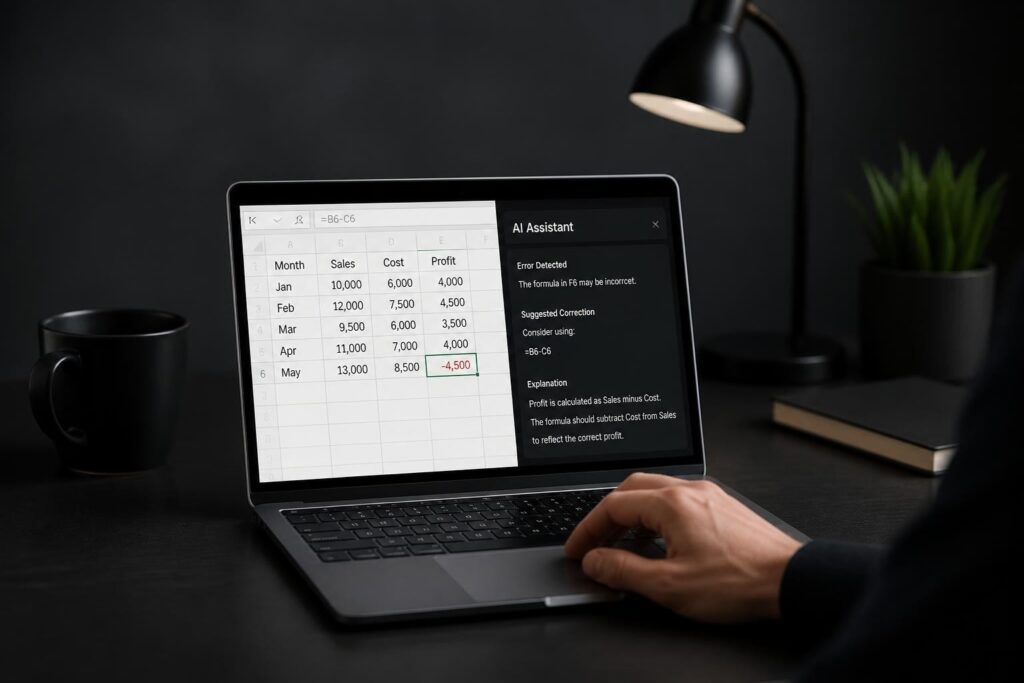
When formulas break, AI tools diagnose the problem and suggest fixes. This proves invaluable when inheriting complex workbooks or debugging calculations that worked until data changed. Our guide on how to automate Excel tasks with AI covers additional troubleshooting approaches.
Common errors AI can identify and fix:
- Circular reference loops
- Mismatched cell references after row/column insertions
- Incorrect data type conversions
- Missing parentheses in nested functions
- Broken links to external data sources
Report Generation and Dashboard Creation
Automated reporting represents one of the highest-value ai spreadsheet automation examples because it transforms raw data into actionable insights without manual formatting.
Scheduled Report Assembly
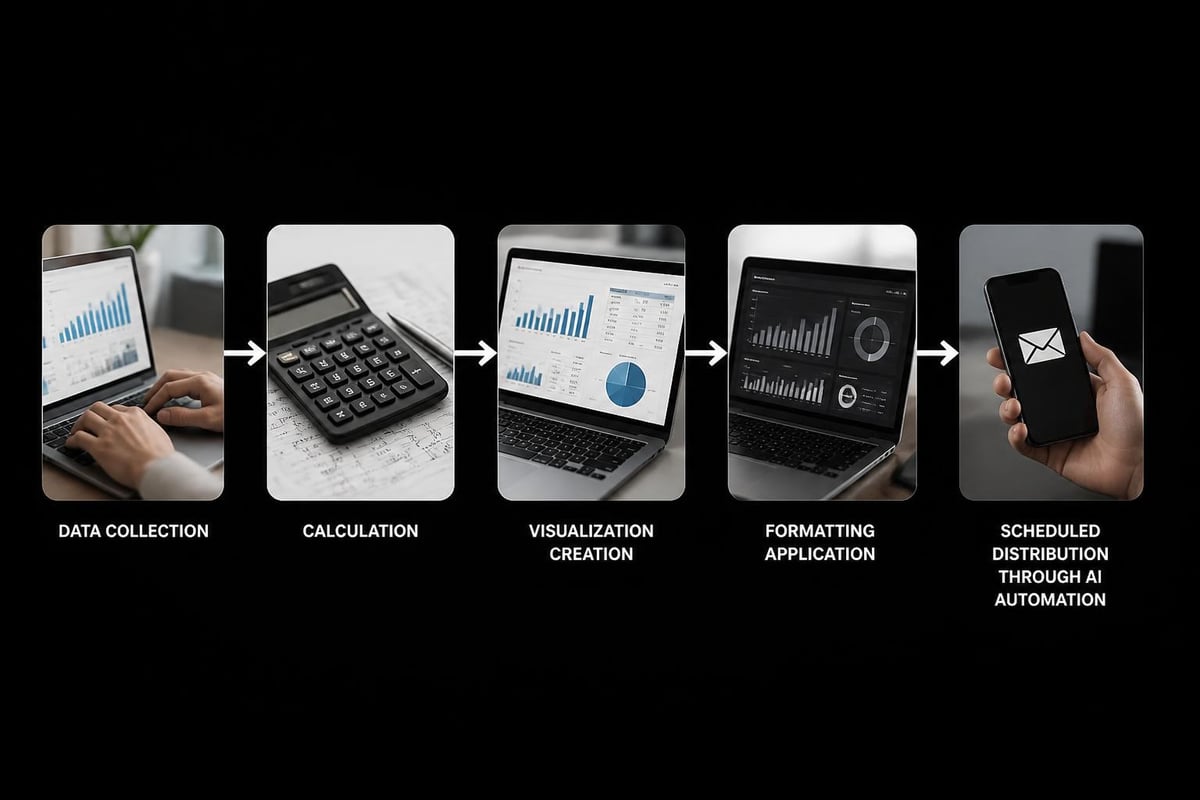
AI automation can compile data from multiple sheets or workbooks, apply consistent formatting, generate charts, and distribute finished reports via email-all on a predetermined schedule. Finance teams use this for monthly performance reports, while operations teams track KPIs without manual updates.
The process typically involves:
- Data consolidation from various sources
- Automatic calculation of key metrics
- Chart and visualization generation
- Template application for consistent branding
- Distribution to stakeholders
For organizations using Microsoft's ecosystem, learning how to automate Excel reports with Copilot streamlines this entire workflow.
Dynamic Dashboard Updates
Rather than manually refreshing pivot tables and updating charts, AI-powered dashboards respond to data changes automatically. When new sales data arrives, your revenue charts update. When inventory counts change, stock level indicators adjust. For comprehensive dashboard automation techniques, explore our resource on Excel dashboard creation with AI.
| Dashboard Element | Manual Process | AI-Automated Process |
|---|---|---|
| Data refresh | 15-30 minutes | Real-time |
| Chart updates | 10-15 minutes | Automatic |
| Metric calculations | 20-40 minutes | Instant |
| Formatting consistency | 10-20 minutes | Template-based |
| Distribution | 5-10 minutes | Scheduled delivery |
Data Cleaning and Standardization
Inconsistent data entry creates hours of cleanup work. AI automation examples in data cleaning demonstrate significant time savings by automatically detecting and correcting common issues.
Text Standardization
When different team members enter customer names, product codes, or addresses differently, AI tools identify variations and standardize them. "ABC Corporation," "ABC Corp," and "A.B.C. Corporation" all become uniform entries without manual find-and-replace operations.
Date and Number Formatting
International teams often struggle with date formats (MM/DD/YYYY vs DD/MM/YYYY) and number conventions (1,000.00 vs 1.000,00). AI recognizes these patterns and converts them to your preferred standard, preventing calculation errors caused by format inconsistencies.
Automated data cleaning handles:
- Removing duplicate entries
- Filling missing values based on patterns
- Correcting spelling variations
- Standardizing case (uppercase, lowercase, title case)
- Trimming excess whitespace
Resources like the AI spreadsheet automation tools comparison help identify which platforms excel at specific data cleaning tasks.
Predictive Analysis and Forecasting
Among the most sophisticated ai spreadsheet automation examples are tools that analyze historical data and generate forecasts without requiring statistical expertise.
Sales and Revenue Projections
AI examines past sales patterns, identifies seasonal trends, and projects future performance. Rather than building complex regression models manually, you select your data range and request projections. The AI accounts for factors like:
- Historical growth rates
- Seasonal fluctuations
- Trend changes over time
- Anomaly detection and adjustment
Inventory Optimization
For businesses managing stock levels, AI automation analyzes consumption patterns and recommends reorder points. It considers lead times, seasonal demand variations, and stockout costs to optimize inventory investments.
These capabilities are particularly valuable when combined with other automation techniques covered in our guide on Copilot for Excel data analysis.
Workflow Automation Across Applications
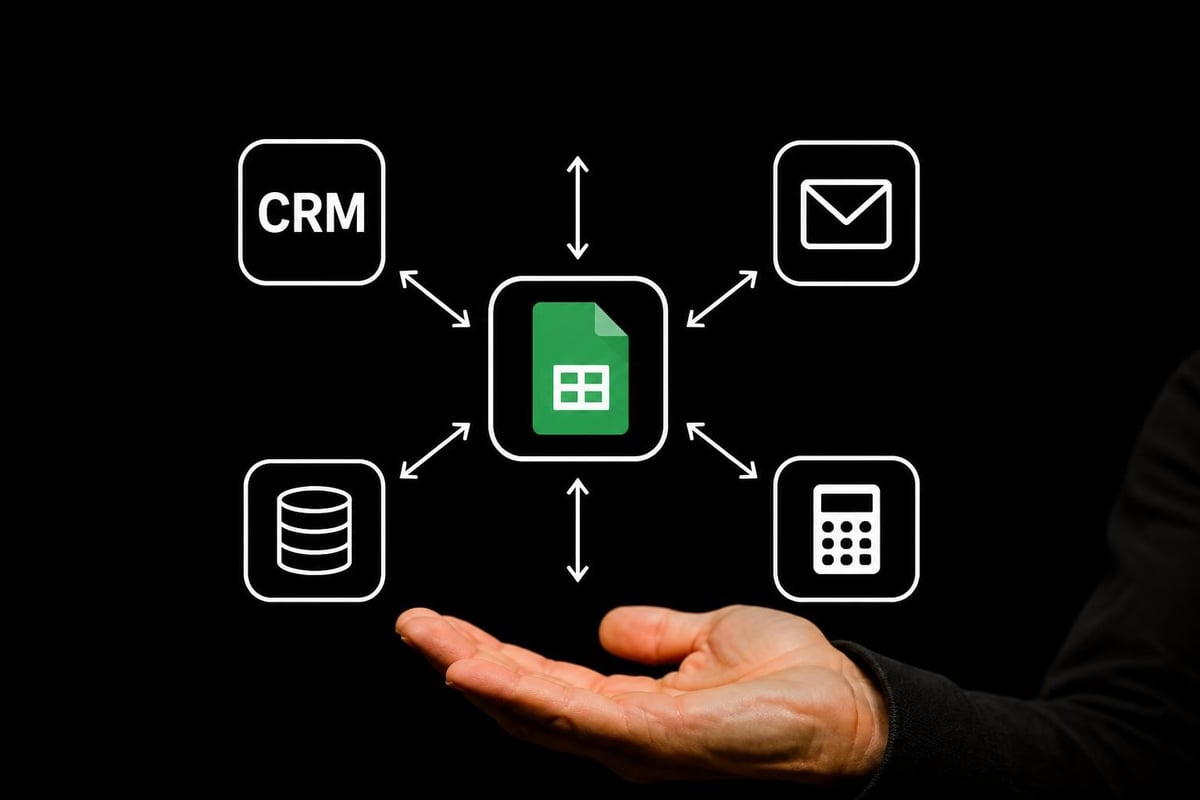
The most powerful automation occurs when spreadsheets connect with other business tools, creating end-to-end workflows that eliminate manual data transfers.
CRM to Spreadsheet Synchronization
When a sales representative closes a deal in your CRM system, AI automation can instantly create or update corresponding spreadsheet entries for commission calculations, revenue tracking, or project planning. This bidirectional sync ensures both systems remain current without duplicate data entry.
Accounting Integration
Financial data flows automatically between accounting software and analytical spreadsheets. Transaction records, expense reports, and invoice details populate your tracking sheets while maintaining audit trails. This proves especially valuable in how AI is reshaping spreadsheets in accounting environments where accuracy and compliance are critical.
Template-Based Automation
Pre-built templates accelerate automation implementation by providing tested workflows for common business scenarios. The collection of AI automation templates demonstrates ready-to-use solutions for various industries and functions.
Financial Analysis Templates
These templates automatically:
- Import transaction data from multiple accounts
- Categorize expenses using AI pattern recognition
- Calculate financial ratios and metrics
- Generate visualization dashboards
- Flag unusual transactions for review
Marketing Performance Templates
Marketing teams benefit from templates that consolidate campaign data, calculate ROI metrics, and identify top-performing channels. The automation handles data from multiple advertising platforms, social media analytics, and website tracking tools.
Custom AI Bot Development
For unique business requirements, custom AI bots offer tailored automation solutions. The step-by-step approach to building an AI bot for repetitive spreadsheet tasks demonstrates how organizations create specialized automation without extensive programming knowledge.
Task-Specific Automation Examples
Quality Control Bots: Automatically review data entries against validation rules, flagging anomalies for human review. These bots check for out-of-range values, missing required fields, or illogical combinations.
Notification Bots: Monitor spreadsheet conditions and send alerts when thresholds are exceeded. When inventory falls below reorder points, budget spending approaches limits, or project milestones are achieved, stakeholders receive immediate notifications.
Data Enrichment Bots: Automatically supplement spreadsheet data with information from external sources. When you add a company name, the bot retrieves industry classification, employee count, and headquarters location from business databases.
| Bot Type | Primary Function | Setup Complexity | ROI Timeline |
|---|---|---|---|
| Data validation | Error prevention | Low | Immediate |
| Report generation | Information distribution | Medium | 1-2 weeks |
| Predictive analysis | Forecasting | High | 1-3 months |
| Integration sync | Cross-platform data flow | Medium | 2-4 weeks |
Platform-Specific Automation Features
Different spreadsheet platforms offer unique AI capabilities that create specific automation opportunities.
Google Sheets AI Functions
Google Sheets provides specialized functions for AI-powered tasks. The examples of AI functions in Google Sheets showcase text generation, data extraction, and classification capabilities built directly into formulas.
Our comparison guide on spreadsheet automation with Gemini explores Google's native AI integration in depth.
Microsoft Excel Copilot
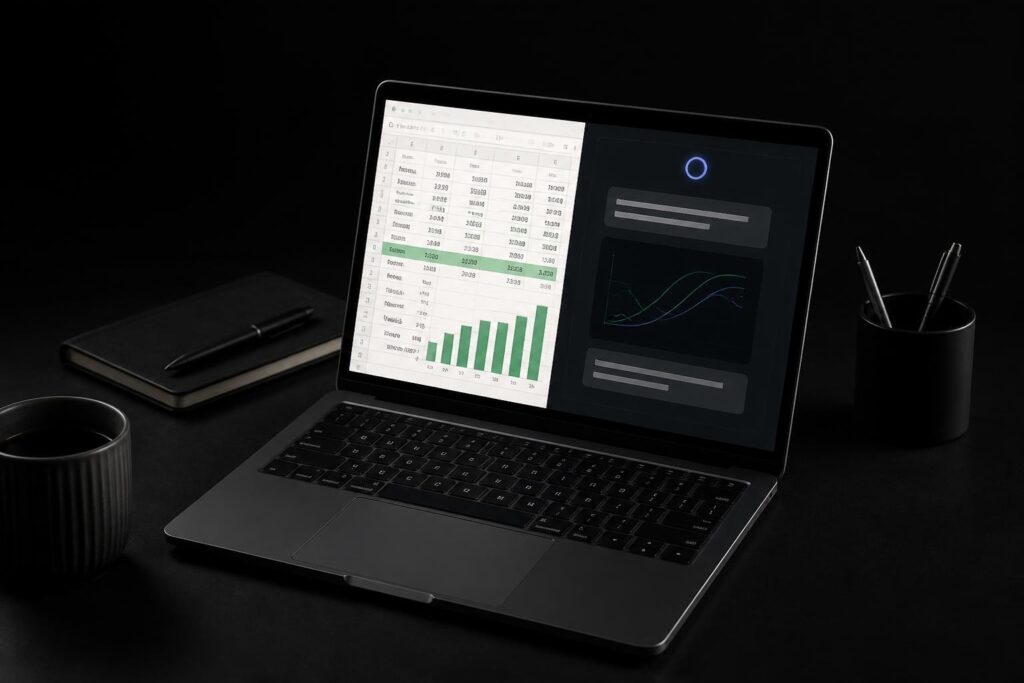
Excel's Copilot integration enables conversational interaction with your data. You ask questions in natural language, and Copilot analyzes your spreadsheet, generates formulas, creates visualizations, and explains insights. For practical implementation, review our Microsoft Copilot for Excel tutorial.
Third-Party AI Platforms
Specialized platforms built around AI offer advanced automation capabilities. The comprehensive guide to AI spreadsheet tools examines platforms designed specifically for AI-first workflows.
Real-World Implementation Success Stories
Understanding theoretical capabilities differs from seeing practical results. These ai spreadsheet automation examples demonstrate measurable business impact.
Finance Department Transformation
A mid-sized manufacturing company automated their month-end close process, reducing time from four days to six hours. AI automation consolidated data from 12 subsidiary spreadsheets, performed variance analysis, and generated executive reports. Error rates decreased by 87% while the finance team redirected their time to strategic analysis rather than data compilation.
Sales Operations Efficiency
A B2B services firm implemented AI-powered commission calculations that process 500+ transactions weekly. Previously requiring two full-time staff members spending 15 hours weekly, the automated system completes calculations in under one hour with greater accuracy. Sales representatives now receive commission statements the day after month-end instead of waiting two weeks.
Inventory Management Optimization
A retail chain with 45 locations automated inventory reorder decisions using AI analysis of sales patterns, seasonal trends, and supplier lead times. The system reduced stockouts by 34% while decreasing excess inventory by 28%, improving cash flow by over $200,000 in the first year.
Measuring Automation ROI
Successful automation implementation requires measuring results against clear metrics. Track these key performance indicators:
Time Savings: Calculate hours saved weekly or monthly. Multiply by hourly labor costs to determine financial impact.
Error Reduction: Compare error rates before and after automation. Quantify costs of errors (rework, customer issues, compliance violations) to measure value.
Process Speed: Measure how quickly automated processes complete versus manual alternatives. Consider the business value of faster insights or reporting.
Scalability Impact: Determine whether automation enables handling increased volume without proportional staff increases.
For comprehensive automation strategy development, The Analytics Doctor's best AI tool for Excel automation resource provides platform selection guidance based on specific business needs.
Getting Started with Spreadsheet Automation
Beginning your automation journey requires strategic planning rather than attempting to automate everything simultaneously.
Identify High-Impact Opportunities
Start by documenting your most time-consuming repetitive tasks. Which processes:
- Consume the most staff hours weekly?
- Generate the most errors requiring correction?
- Create bottlenecks that delay other work?
- Require specialized knowledge making them vulnerable if key staff leave?
Start Small and Scale
Select one straightforward automation project as your pilot. Success builds confidence and demonstrates value, making it easier to secure resources for larger initiatives. The 2026 best practices for AI spreadsheet automation emphasize this incremental approach.
Build Internal Expertise
Invest in training so your team understands automation capabilities and can identify opportunities. When staff members grasp what's possible, they suggest innovations that technical experts might overlook.
Overcoming Common Automation Challenges
While ai spreadsheet automation examples demonstrate significant benefits, implementation isn't without obstacles.
Data Quality Issues
Automation amplifies existing data problems. If your manual processes tolerate inconsistent formatting or occasional errors, automated systems may fail or produce incorrect results. Address data quality first by establishing validation rules and standardizing entry procedures.
Change Management Resistance
Staff members comfortable with established processes may resist automation, fearing job security or loss of control. Address concerns through transparent communication about how automation eliminates tedious work while creating opportunities for higher-value contributions.
Integration Complexity
Connecting spreadsheets with other business systems requires technical planning. Document your data flows, identify security requirements, and test integrations thoroughly before full deployment. Consider working with specialists who understand both spreadsheet automation and your specific business systems.
These ai spreadsheet automation examples demonstrate how AI transforms spreadsheets from manual calculation tools into intelligent automation platforms that save hours of repetitive work while improving accuracy. Whether you're struggling with broken formulas, time-consuming data entry, or complex reporting requirements, The Analytics Doctor specializes in diagnosing spreadsheet problems and implementing practical automation solutions tailored to your specific business needs. From personalized training that helps your team leverage AI capabilities to automating your most challenging reports and untangling complex workbooks, The Analytics Doctor delivers clear, actionable solutions that make your data work for you.