The demand for advanced Excel skills is skyrocketing as workplaces become even more data-driven in 2025. From finance to marketing, professionals who can harness Excel's full power are quickly rising above the competition.
Mastery of Excel is no longer optional for career advancement. Investing in professional excel courses is a smart move for anyone aiming to stand out and secure new opportunities across industries.
In this article, you'll discover 9 essential courses that will help you sharpen your Excel expertise. We’ll cover course features, pricing, and tips for choosing the right training, so you can make the best decision for your career growth.
Why Excel Mastery Matters in 2025
Excel remains the backbone of data management and analysis in today’s business world. As we move into 2025, mastering Excel is more than just a technical skill—it’s a professional necessity. From finance to healthcare, organizations of all sizes depend on Excel for efficiency, accuracy, and informed decision-making. Understanding why professional excel courses are crucial will help you see the bigger picture of career growth and adaptability.
The Evolving Role of Excel in Modern Workplaces
Excel continues to dominate as the go-to tool for business analytics, financial modeling, operations tracking, and project management. Industries like finance, marketing, logistics, and healthcare all rely on Excel for everything from budgeting to data visualization.
Today’s professionals use Excel to process large data sets, create interactive dashboards, and automate routine tasks. The versatility of Excel ensures that whatever your role, there’s a strong case for enrolling in professional excel courses to stay competitive.
Career Growth and Competitive Advantage
Employers are increasingly seeking candidates who can demonstrate advanced Excel skills. In fact, recent data shows that over 11% of job postings in 2025 specifically require Excel proficiency, according to Excel proficiency in job postings. This demand is even higher in roles such as business analysts, where more than 80% of listings mention Excel as a core requirement.
By investing in professional excel courses, you position yourself for promotions and salary increases. Many organizations reward Excel-certified employees with responsibilities that lead to faster career progression.
The Rise of Data-Driven Decision Making
Organizations are shifting toward data-driven cultures, and Excel is at the center of this transformation. Whether you’re building dashboards, running simulations, or visualizing trends, Excel makes complex data accessible and actionable.
Case studies show that companies leveraging advanced Excel automation reduce manual reporting time and improve accuracy. Professional excel courses teach you how to harness these capabilities, making your work both more efficient and impactful.
Adapting to New Excel Features in 2025
Microsoft continues to innovate, rolling out features like dynamic arrays, enhanced Power Query tools, and improved data connectors. These upgrades enable deeper analysis and faster reporting, but they also require ongoing learning.
Staying current with the latest Excel updates is vital, and professional excel courses are designed to cover these advancements. By doing so, you future-proof your skills and ensure you can tackle any challenge that comes your way.
The Need for Structured Learning Paths
While self-teaching is an option, it often leads to gaps in knowledge and missed opportunities for certification. Structured professional excel courses provide a comprehensive curriculum, expert guidance, and hands-on practice.
Certifications from recognized providers validate your expertise and are highly valued by employers. Choosing a structured path not only accelerates your learning but also gives you a competitive edge in the job market.
9 Essential Professional Excel Courses to Boost Your Skills in 2025
Looking to get ahead in 2025? Choosing the right professional Excel courses can be a game changer for your career. Employers across industries are searching for candidates with advanced Excel abilities. In fact, as outlined in Excel skills employers seek, Excel mastery is one of the most in-demand business skills today. The following list breaks down the best options, covering key features, pricing, and who each course is best for.
The Analytics Doctor: Corporate Excel Training & Consulting
When you want tailored learning, this provider offers professional Excel courses designed for businesses and ambitious individuals. Pricing is based on custom quotes, so you only pay for what you need. There are also free resources for those starting out.

Key features include on-site or virtual training, a custom curriculum, and advanced modules such as financial modeling and automation. Real-world projects ensure the learning sticks.
What sets these professional Excel courses apart? You get hands-on workshops, Texas-focused expertise, and ongoing support. The program is best for HR managers, finance teams, and those wanting a full-service Excel solution.
Pros:
- Customizable to your needs
- Expert trainers
- Comprehensive resources
- Ongoing support
Cons:
- Pricing not listed upfront
- Best for tailored or group solutions
Whether you’re upskilling a team or seeking a personal Excel breakthrough, these professional Excel courses provide end-to-end solutions.
LinkedIn Learning: Excel Essential Training (Office 365/Microsoft 365)
For those needing flexible, self-paced professional Excel courses, LinkedIn Learning is a top pick. Included with a $39.99/month subscription, it covers everything from formulas to collaboration tools.
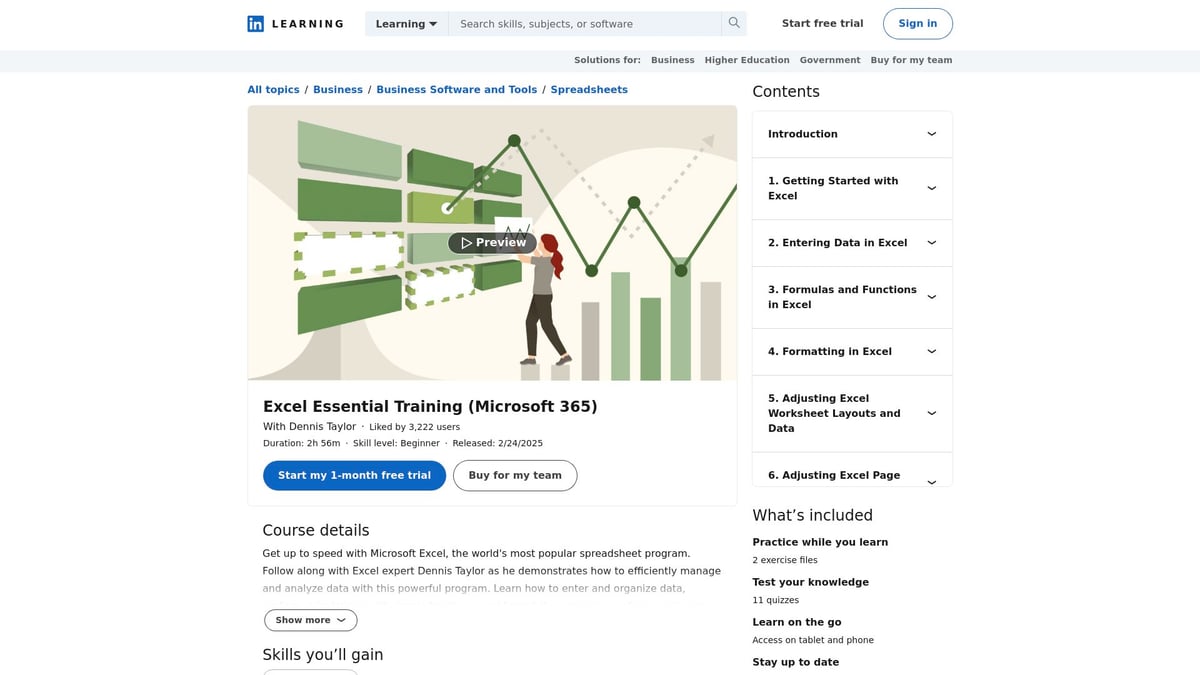
This course is up-to-date with the latest Excel features. You’ll learn about charts, PivotTables, and data analysis, making it suitable for professionals at any level.
The professional Excel courses here are beginner-friendly and offer a certificate of completion. You can access content on multiple devices, fitting your learning into your schedule.
Pros:
- High-quality instruction
- Recognized certification
- Multi-device access
Cons:
- Subscription required
- Less personalized support
For anyone seeking professional Excel courses that balance depth and flexibility, this is a reliable option.
Coursera: Excel Skills for Business Specialization by Macquarie University
Coursera’s professional Excel courses, presented by Macquarie University, offer a thorough path from basics to advanced analysis. Free to audit, or $49/month for a certificate, the curriculum is divided into four courses.
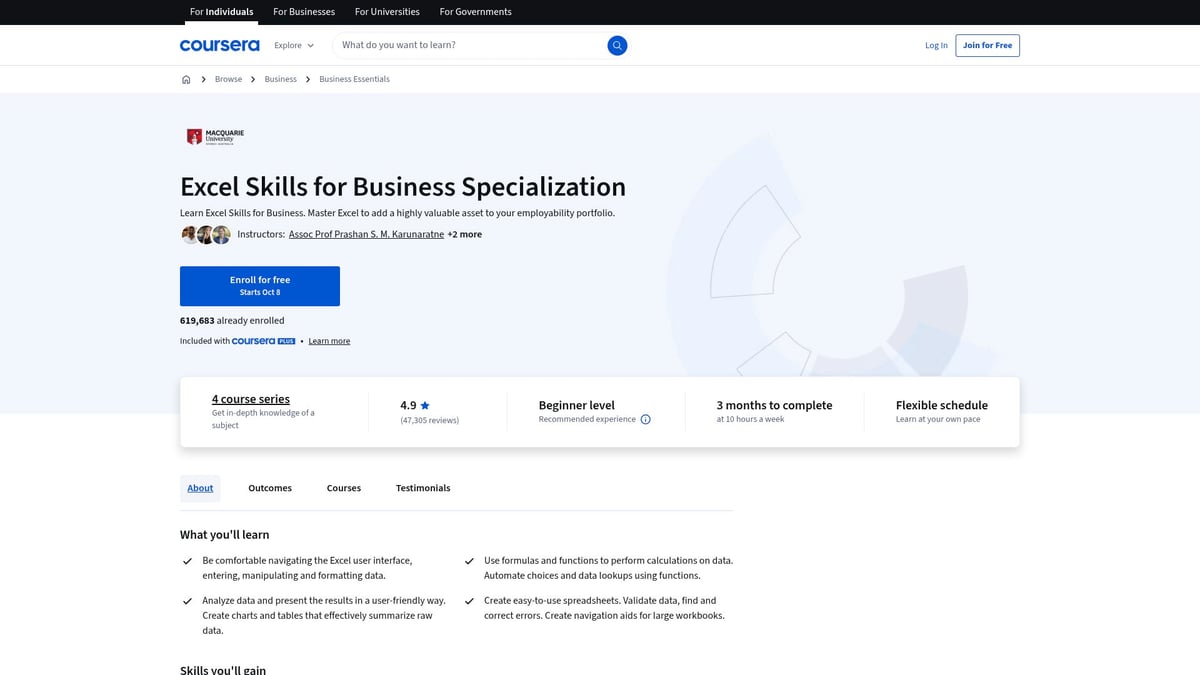
You’ll work on hands-on projects and earn a university-backed certificate. The pacing is flexible, so you can learn at your own speed, but the content is deep and project-based.
These professional Excel courses are ideal for business professionals, students, or job seekers wanting a recognized credential.
Pros:
- University-endorsed
- Strong community support
- Project-based learning
Cons:
- Time commitment
- Monthly fees add up if you take longer to finish
For a structured, comprehensive learning path, these professional Excel courses are a smart investment.
Udemy: Microsoft Excel – Excel from Beginner to Advanced
If you want a one-time purchase with lifetime access, Udemy’s professional Excel courses are hard to beat. Prices range from $19.99 to $129.99, but frequent discounts make it affordable.
With over 18 hours of video, downloadable resources, and real-world exercises, these professional Excel courses cover all levels. You set your own pace and revisit materials anytime you want.
Pros:
- Affordable pricing, frequent sales
- Comprehensive content
- Lifetime access
Cons:
- No live instructor support
- Course quality may vary by instructor
For learners who value flexibility and depth, these professional Excel courses offer tremendous value.
edX: Analyzing and Visualizing Data with Excel by Microsoft
Developed by Microsoft, these professional Excel courses focus on data analysis, visualization, and Power Query. You can audit for free or pay $99 for a verified certificate.
Lessons include dashboards, practical assignments, and a focus on modern Excel features. The content is self-paced, so you can fit learning into your schedule.
These professional Excel courses are best for data analysts, business professionals, and aspiring BI specialists.
Pros:
- Microsoft-endorsed
- Practical assignments
- Recognized certificate
Cons:
- Limited interaction
- Best for self-motivated learners
For those seeking professional Excel courses that keep up with the latest tools, this is an excellent choice.
GoSkills: Microsoft Excel – Basic & Advanced Courses
GoSkills offers professional Excel courses with a modern microlearning approach. For $29/month or $199/year, you get bite-sized lessons, quizzes, and downloadable templates.
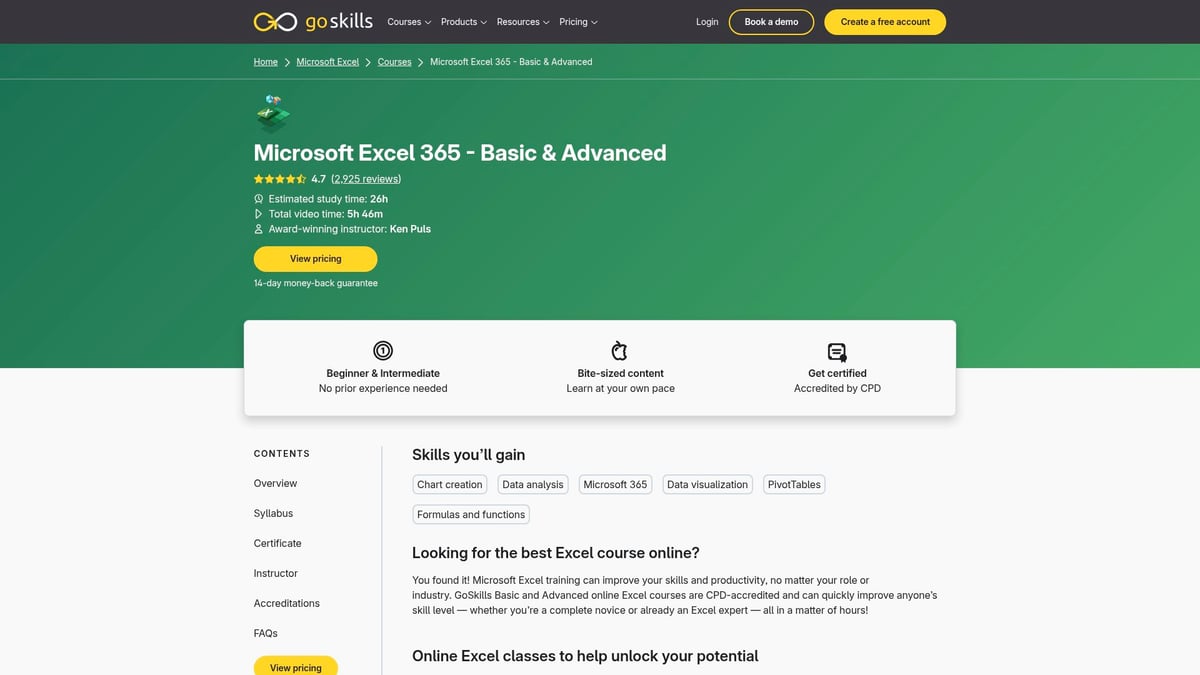
The modular structure is perfect for busy professionals. You can track your progress and earn CPD certification as you complete lessons.
These professional Excel courses are flexible, mobile-friendly, and designed for quick learning, although they may not go as deep into advanced topics.
Pros:
- Flexible and mobile-friendly
- Practical templates
- Progress tracking
Cons:
- Subscription model
- Less depth in advanced modules
If you want professional Excel courses that fit into a busy schedule, GoSkills is a top contender.
Excel Exposure: Master Workbook Course
Excel Exposure’s professional Excel courses use interactive workbooks and step-by-step lessons. Core content is free, while the Premium Master Workbook is $99 for lifetime access.
You’ll get practical exercises and a community-driven approach. These professional Excel courses are ideal for self-learners and intermediate users seeking hands-on practice.
Pros:
- Affordable
- Interactive
- Lifetime access
Cons:
- Less structured than traditional courses
- No formal certification
For practical, project-based learning, these professional Excel courses are a smart way to build skills.
Chandoo.org: Excel School Online Training Program
Chandoo.org offers professional Excel courses focused on real-world business problems and dashboard design. Pricing ranges from $97 to $247, depending on the package.
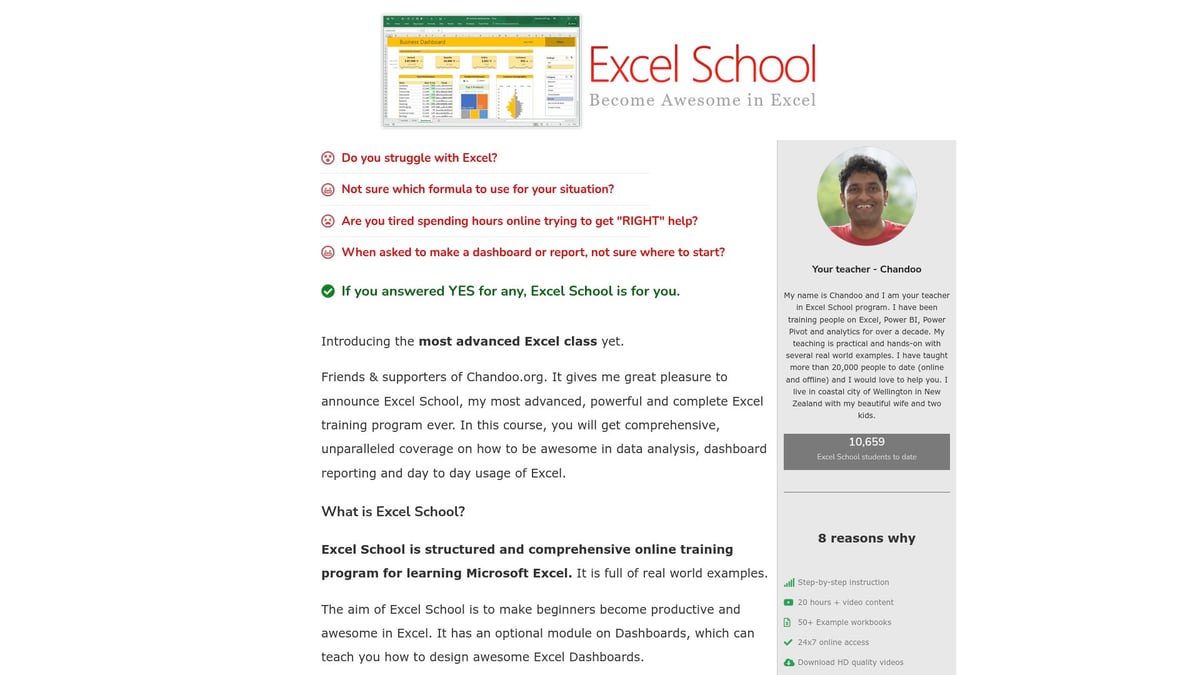
With over 50 lessons and project-based learning, these professional Excel courses are ideal for those aiming to master reporting and visualization.
The instructor is renowned in the Excel community, and you’ll join a supportive group of learners.
Pros:
- Renowned instructor
- Practical focus
- Strong community
Cons:
- Higher upfront cost
- Limited enrollment periods
If you want to elevate your reporting skills, these professional Excel courses are a top pick.
Excel Campus: VBA Pro Course
Excel Campus specializes in professional Excel courses for automation and VBA. The VBA Pro Course is $297 with payment plans available and includes lifetime updates.
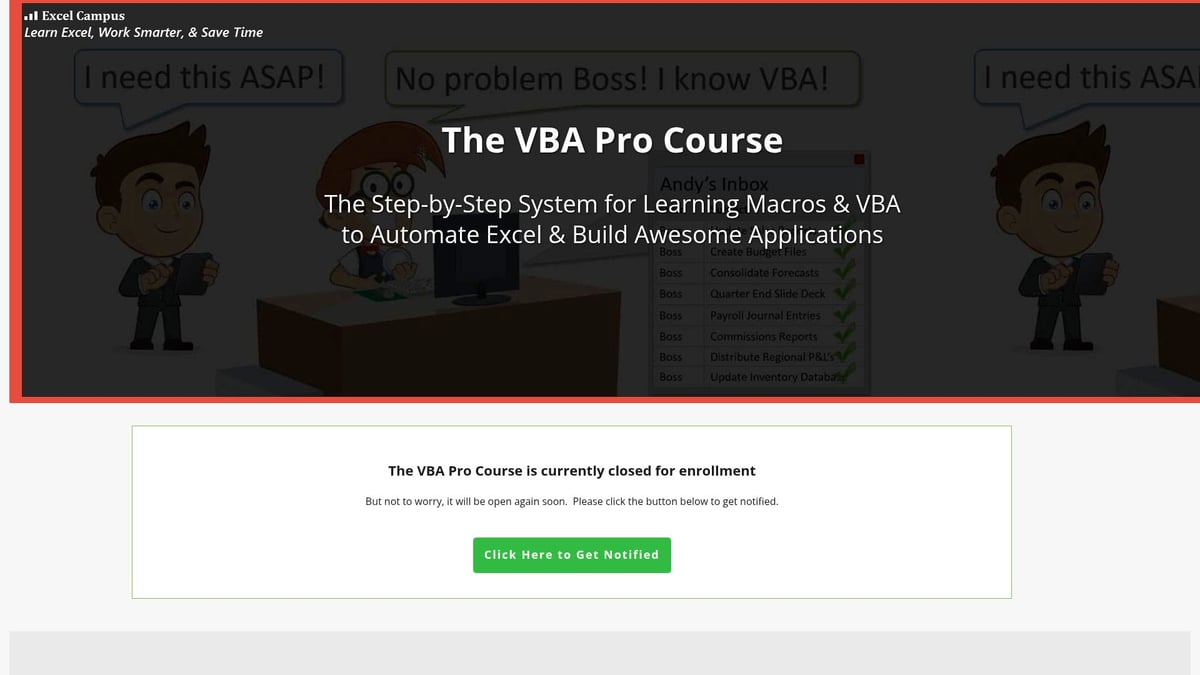
You’ll learn to automate tasks, create macros, and apply real-world automation projects. These professional Excel courses are best for advanced users and analysts.
Pros:
- Deep dive into VBA
- Practical, real-world projects
- Lifetime updates
Cons:
- Higher cost
- Requires prior Excel experience
For those ready to automate and streamline their workflows, these professional Excel courses deliver advanced results.
Course Comparison Table
| Course Provider | Pricing | Key Features | Ideal For | Certification |
|---|---|---|---|---|
| The Analytics Doctor | Custom | Custom curriculum, workshops | Teams, individuals | Yes |
| LinkedIn Learning | $39.99/month | Self-paced, up-to-date, certificate | All professionals | Yes |
| Coursera (Macquarie) | Free/$49/month | 4 courses, hands-on projects | Students, job seekers | Yes |
| Udemy | $19.99–$129.99 | Lifetime access, all levels | Self-directed learners | No |
| edX (Microsoft) | Free/$99 | Data analysis, dashboards | Analysts, BI specialists | Yes |
| GoSkills | $29/month, $199/yr | Microlearning, templates | Busy professionals | Yes |
| Excel Exposure | Free/$99 | Interactive, practical exercises | Self-learners | No |
| Chandoo.org | $97–$247 | Dashboards, business problems | Professionals, managers | Yes |
| Excel Campus (VBA Pro) | $297 | VBA, automation | Advanced users | Yes |
With these professional Excel courses, you’ll find a perfect fit for your goals and learning style. Whether you need flexible, self-paced study or hands-on, project-based learning, there’s a course here to help you master Excel for the modern workplace.
How to Choose the Right Excel Course for Your Career Goals
Choosing the right professional excel courses can feel overwhelming, but a strategic approach makes all the difference. Whether you're a beginner or aiming for advanced expertise, aligning your Excel learning path with your career goals is essential. Let’s break down the process.
Assessing Your Current Skill Level
Start by honestly evaluating your current Excel proficiency. Are you comfortable with basic formulas, or do you regularly use PivotTables and advanced functions? Understanding your starting point helps you target the most suitable professional excel courses.
Typical skill levels include:
- Beginner: Basic navigation, simple formulas, formatting.
- Intermediate: Data analysis, conditional formatting, charts.
- Advanced: Power Query, VBA, automation, dashboard creation.
If you're unsure where you stand, use resources like Excel Skills Levels Explained for a clear breakdown.
Identifying Career Objectives and Industry Requirements
Next, consider your professional aspirations. Different roles demand varying Excel expertise. For example, data analysts might need complex data modeling, while managers focus on dashboard reporting. Reviewing job descriptions in your field reveals what employers expect from professional excel courses.
Ask yourself:
- What Excel tasks appear in my target job listings?
- Does my industry require certifications?
- Am I aiming for a promotion or a new role?
Matching your course choice to these objectives ensures you build relevant, in-demand skills.
Comparing Course Formats and Learning Styles
Not all professional excel courses are created equal. Some offer live instructor-led sessions, while others are self-paced or project-based. Consider your preferred learning style and schedule.
Comparison Table:
| Format | Pros | Cons |
|---|---|---|
| Self-paced | Flexible, on-demand | Less interaction |
| Instructor-led | Structured, guided | Scheduled times |
| Project-based | Hands-on, practical | May require more time |
| Lecture-based | Broad coverage | Less practical focus |
Recent surveys show that 70 percent of adult learners prefer flexible, self-paced options. Choose the format that keeps you motivated and engaged.
Certification and Recognition
Earning a certificate from professional excel courses can set you apart. Accredited certifications validate your skills and enhance your resume. Look for programs recognized by Microsoft, universities, or major platforms.
For more on accredited credentials, visit Excel Certifications and Workshops. These certifications often appear in job postings and can lead to faster career advancement.
Budget, Time Commitment, and ROI
Finally, weigh the financial and time investment against potential career benefits. Compare course costs, duration, and access to resources. Many professionals report a 15 to 20 percent salary increase after completing advanced Excel training.
Ask yourself:
- What is my budget for professional excel courses?
- How much time can I dedicate weekly?
- Will certification help me reach my goals faster?
Investing wisely ensures maximum return for your effort and resources.
Maximizing the Impact of Your Excel Training
Mastering skills from professional excel courses is just the beginning. To truly elevate your career, you need to apply new knowledge in practical ways. This section explores proven strategies to maximize your Excel training, from hands-on projects to ongoing learning and networking.
Applying New Skills in Real-World Projects
After completing professional excel courses, it is vital to transfer what you learn into your everyday work. Start by automating repetitive tasks, building dynamic reports, or creating dashboards for your team. If you want to deepen your expertise, consider tackling real business problems with tools covered in an Advanced Excel Training Course.
- Identify tasks you can streamline with formulas or macros
- Volunteer for projects involving data analysis or visualization
- Seek feedback from colleagues on your Excel solutions
Consistent practice will help you demonstrate the value of your new skills and boost your confidence.
Building a Portfolio of Excel Work
Showcasing your results is a powerful outcome of professional excel courses. Create a digital portfolio highlighting your best Excel projects, such as automated workflows, interactive dashboards, or insightful data analyses.
- Use screenshots and short descriptions to explain your solutions
- Host files on GitHub or a personal website
- Update your LinkedIn profile with project highlights
A well-organized portfolio not only demonstrates your technical ability but also sets you apart in job searches and performance reviews.
Leveraging Online Communities and Ongoing Learning
Professional excel courses are just the start of your learning journey. Engaging with Excel forums, LinkedIn groups, and webinars can accelerate your growth. Active participation in these communities increases knowledge retention and keeps you motivated.
- Ask questions and share tips
- Join challenges or group projects
- Attend virtual events to learn advanced techniques
Continuous learning ensures you stay current and connected with like-minded professionals.
Staying Updated with the Latest Excel Features
Excel evolves rapidly, so staying ahead is essential for graduates of professional excel courses. Monitor updates through Microsoft blogs, YouTube tutorials, and newsletters. Revisiting advanced courses or exploring new modules can help you master emerging tools like dynamic arrays and Power Query enhancements.
- Subscribe to official Microsoft channels
- Follow Excel experts for tips and tricks
- Regularly practice new features in sample projects
Staying up-to-date keeps your skillset fresh and relevant in a changing workplace.
Networking and Career Advancement
Your journey with professional excel courses can open doors to exciting opportunities. Connect with peers, mentors, and industry leaders through networking events or online platforms. Many professionals leverage their Excel expertise to secure promotions, consulting gigs, or leadership roles.
- Attend industry meetups or webinars
- Share your portfolio and insights on LinkedIn
- Seek mentorship from experienced Excel users
Building a strong network amplifies the impact of your training and helps you reach your career goals.