Excel is the backbone of data management, analysis, and reporting for millions of users and organizations worldwide. As technology advances, not all microsoft office excel versions offer the same features, value, or compatibility, making the right choice more important than ever.
With 2026 approaching, professionals and businesses need to stay ahead by selecting the version that best fits their needs. In this article, we break down the 7 essential microsoft office excel versions to know in 2026, highlight their unique strengths, and guide you toward a smarter, more informed decision.
The Evolution of Microsoft Office Excel: What’s New in 2026?
Microsoft Office Excel versions have transformed the way people manage, analyze, and share data. As we approach 2026, understanding the progression of microsoft office excel versions is essential for making informed decisions about which edition fits your needs.
Key Milestones in Excel’s History
The journey of microsoft office excel versions began in the late 1980s, setting new standards for digital spreadsheets. Early editions introduced foundational tools, but innovations like PivotTables, Power Query, and dynamic arrays marked major turning points. Each release brought usability improvements, from streamlined interfaces to customizable ribbons.
Over the years, Excel moved from standalone desktop software to a vital part of the Microsoft Office suite. The transition to subscription-based licensing changed how updates and features were delivered. Integration with the cloud and collaboration tools enabled real-time teamwork, making Excel indispensable for both individuals and organizations. For a deeper look at how spreadsheets evolved before Excel, see Excel milestones and history.
2026 Landscape: What Sets This Year Apart?
In 2026, the latest microsoft office excel versions stand out for their advanced AI-powered analytics and automation. Features like Copilot offer intelligent suggestions, automate repetitive tasks, and help users uncover insights faster. Enhanced security and compliance measures address growing concerns about data privacy and industry regulations.
Compatibility has expanded, allowing seamless integration with third-party applications and APIs. Collaboration is easier than ever, with improved tools for remote and hybrid teams. Cloud-based features ensure that work is always accessible and up to date, whether on desktop, web, or mobile devices. These innovations make the 2026 microsoft office excel versions more powerful and versatile for a diverse range of users.
Trends Driving Excel Version Choices
Several trends are influencing how users select among microsoft office excel versions in 2026. The rise of remote work has increased demand for cloud-based collaboration and mobile accessibility. Advanced data visualization and analytics features have become essential for businesses seeking deeper insights.
Automation and workflow integration are now priorities, as organizations look to streamline repetitive tasks. Regular updates and security patches are crucial for protecting sensitive information. Finally, user preferences regarding subscription versus one-time purchase models continue to shape the adoption of different microsoft office excel versions.
Choosing the right version means understanding these trends and matching features to your unique needs and workflows.
7 Essential Microsoft Office Excel Versions To Know In 2026
Choosing the right microsoft office excel versions in 2026 can make or break your workflow, whether you are a data analyst, business owner, or student. With so many options, understanding the differences is vital. This section breaks down the 7 most important microsoft office excel versions, highlighting what sets each apart so you can make a confident and informed decision.
Excel for Microsoft 365 (Subscription)
Excel for Microsoft 365 is the flagship among microsoft office excel versions, offering a cutting-edge, always up-to-date experience. Included with Microsoft 365 plans, pricing starts at $6.99 per month for individuals and $12.50 per user for businesses.
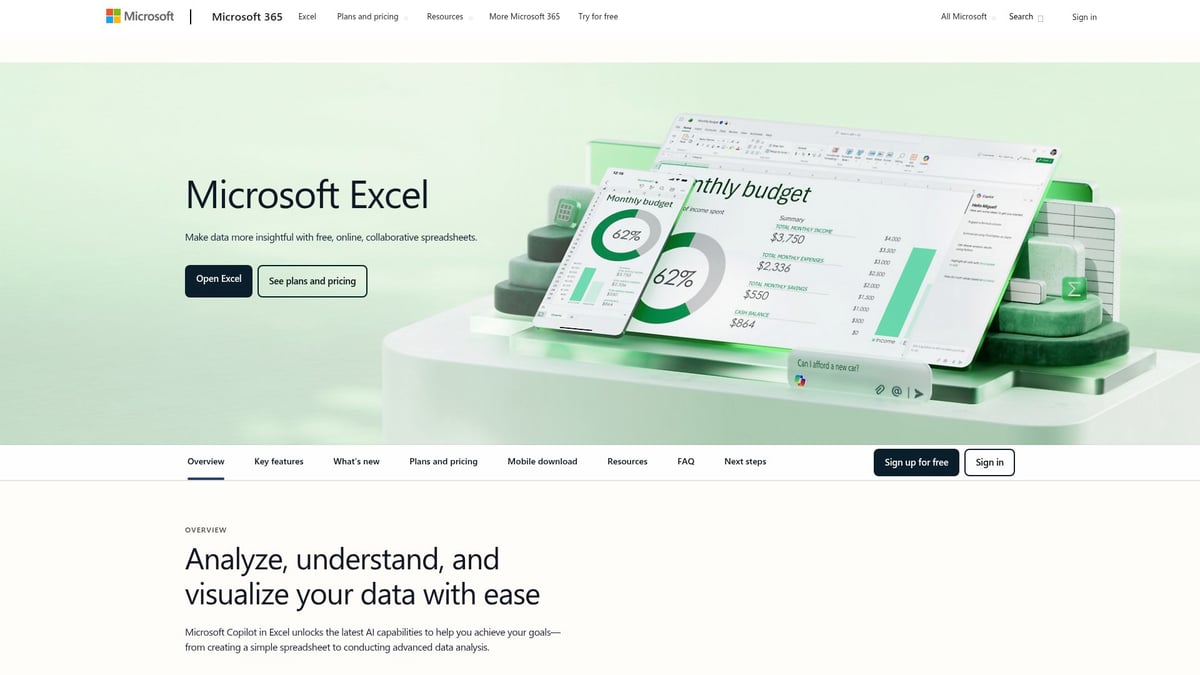
With this version, users benefit from real-time co-authoring, Power Query, Power Pivot, dynamic arrays, and seamless OneDrive integration. AI-powered analytics, including Copilot, streamline complex tasks, making data analysis intuitive and fast. Frequent updates ensure that you always have access to the latest features, security patches, and performance improvements.
One of the strongest advantages of Excel for Microsoft 365 is its robust collaboration tools, which are vital for remote and hybrid teams. Files are accessible across devices, including web and mobile, allowing you to work from anywhere. Integration with Teams and SharePoint further supports modern workflows.
However, the subscription model means a recurring cost. Full functionality often requires an internet connection for cloud-based features. For those managing legacy files or considering an upgrade, it is wise to update your Excel version to access advanced tools and ensure compatibility with other microsoft office excel versions.
Ideal for: Businesses, professionals, teams seeking the latest features and collaboration.
Pros:
- Frequent updates and improvements
- Advanced security and compliance
- Deep integration with Microsoft ecosystem
Cons:
- Ongoing subscription fees
- Some features require internet access
Excel 2021 (One-Time Purchase)
Excel 2021 stands out among microsoft office excel versions for users who prefer a one-time purchase. Priced around $159.99, it delivers a stable, classic Excel experience without ongoing fees.
This version is ideal for those who prioritize offline access and a familiar interface. Core features include improved functions, essential data tools, and enhanced speed compared to previous perpetual releases. Users enjoy a predictable environment, making it suitable for long-term projects or regulated industries that require software consistency.
While Excel 2021 offers reliability, it lacks the continuous feature updates found in subscription-based microsoft office excel versions. The support lifecycle is limited, and newer tools—such as advanced AI analytics or cloud-based collaboration—may be unavailable. Organizations with strict IT requirements may find this version appealing, but should weigh the benefits of stability against missing out on innovation.
Ideal for: Individuals, small businesses, those preferring perpetual licenses.
Pros:
- No recurring costs
- Stable, predictable interface
- Offline functionality
Cons:
- No access to latest updates or features
- Shorter support window
- Limited advanced analytics
Excel for the Web (Free Version)
Excel for the Web is a unique entry in the microsoft office excel versions lineup, providing free, browser-based access to spreadsheets. All you need is a Microsoft account—no installation required.
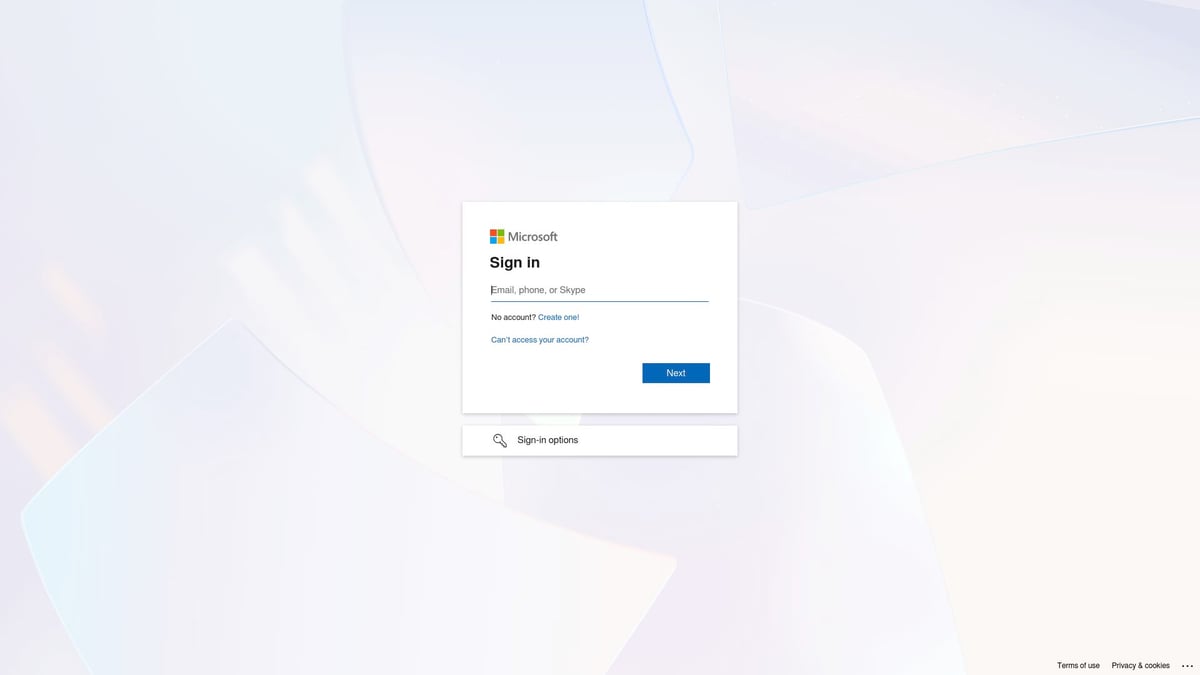
This version is perfect for students, casual users, or teams needing quick, collaborative editing. Core features include real-time collaboration, automatic cloud saving, and basic spreadsheet tools. Sharing is simple, and files are accessible from any device with an internet connection.
However, Excel for the Web has limitations. It does not support many advanced features, such as complex macros or data modeling, found in other microsoft office excel versions. Internet access is required, and performance may vary depending on your browser and connectivity.
Ideal for: Students, casual users, teams needing fast access.
Pros:
- Free to use
- No installation needed
- Easy sharing and collaboration
Cons:
- Limited advanced tools
- Internet required for access
- Not suitable for power users
Excel for Mac (Microsoft 365 & Standalone)
Excel for Mac is tailored for Apple users within the microsoft office excel versions suite. Available through Microsoft 365 or as Excel 2021 for Mac, it offers a Mac-optimized interface and support for Apple Silicon chips.

Users benefit from cross-platform compatibility, allowing seamless file exchange with Windows counterparts. Features like dark mode, touch bar support, and integration with macOS services make this version appealing to creative professionals and mixed-device teams.
While it closely mirrors the Windows version, some advanced features—such as certain data connectors or automation tools—may lag slightly behind. Still, regular updates via Microsoft 365 help close the gap, ensuring Mac users stay productive with the latest capabilities in microsoft office excel versions.
Ideal for: Mac users, creative professionals, mixed-platform teams.
Pros:
- Optimized for macOS
- Regular updates with Microsoft 365
- Cross-platform file compatibility
Cons:
- Some advanced features may be delayed
- Slight interface differences from Windows version
Excel Mobile (iOS & Android)
Excel Mobile is a vital part of the microsoft office excel versions ecosystem for on-the-go users. Free for basic editing on iOS and Android, it offers a touch-friendly interface, cloud sync, and real-time collaboration.

Mobile professionals, students, and field teams can view, edit, and share spreadsheets from their devices. Integration with OneDrive ensures your files are always up to date, and notifications keep you informed of changes by collaborators. The design is intuitive, making navigation and editing straightforward even on small screens.
Premium features—such as advanced charting or data analysis—require a Microsoft 365 subscription. While Excel Mobile is not a complete replacement for desktop versions, it excels at fast edits, reviewing documents, and staying productive when away from your desk. As part of the broader microsoft office excel versions family, it bridges the gap between desktop and mobile productivity.
Ideal for: Mobile professionals, students, remote teams.
Pros:
- Free for basic use
- Real-time sync and sharing
- Intuitive mobile interface
Cons:
- Limited advanced features
- Best experience requires subscription
- Small screen may hinder complex tasks
Excel Online for Education (Microsoft 365 Education)
Excel Online for Education is a specialized offering within the microsoft office excel versions portfolio, designed specifically for academic environments. Eligible institutions receive it free as part of Microsoft 365 Education.
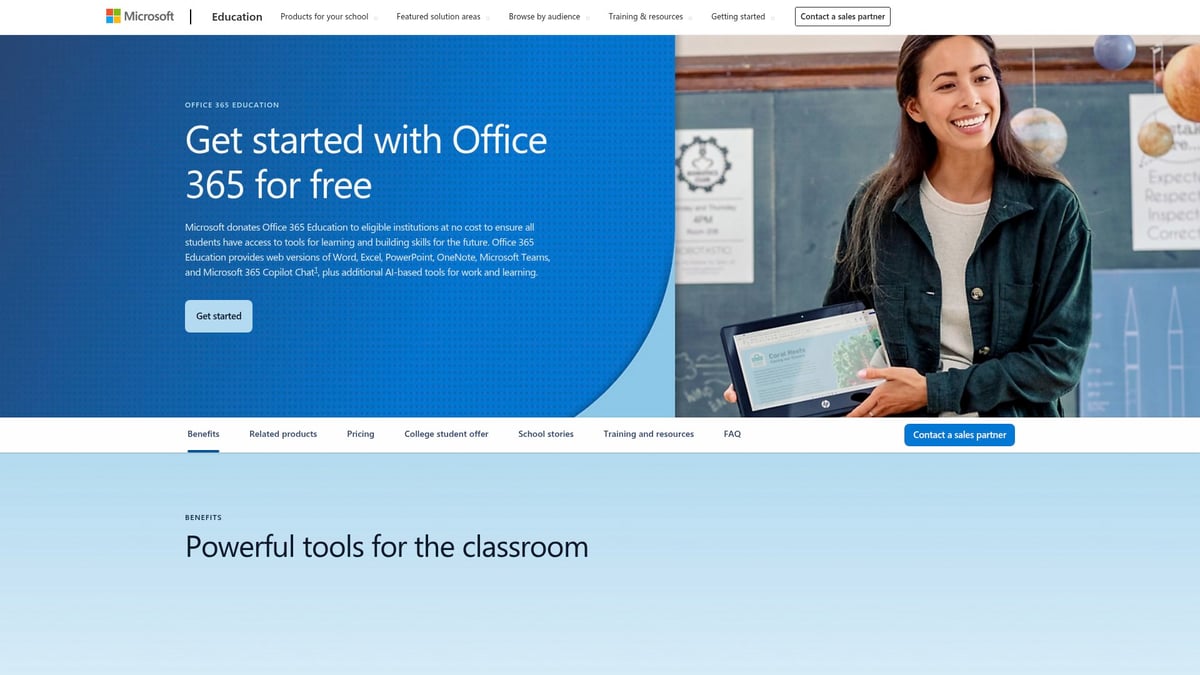
This version emphasizes collaboration for students and teachers. Real-time editing, Teams integration, and assignment management streamline classroom workflows. Features are tailored to support remote learning, group projects, and instant feedback.
Although Excel Online for Education shares many capabilities with other web-based microsoft office excel versions, it is restricted to academic users and lacks some advanced business features. Still, it is a powerful tool for fostering digital literacy and collaborative problem-solving in the classroom.
Ideal for: Students, teachers, educational institutions.
Pros:
- Free for eligible schools
- Supports remote and hybrid learning
- Integrates with educational tools
Cons:
- Limited to education sector
- Some advanced features missing
- Dependent on internet access
Excel LTSC (Long Term Servicing Channel)
Excel LTSC represents the most stable and controlled option among microsoft office excel versions. Offered through volume licensing, it is tailored for enterprises, government agencies, and organizations with strict compliance needs.
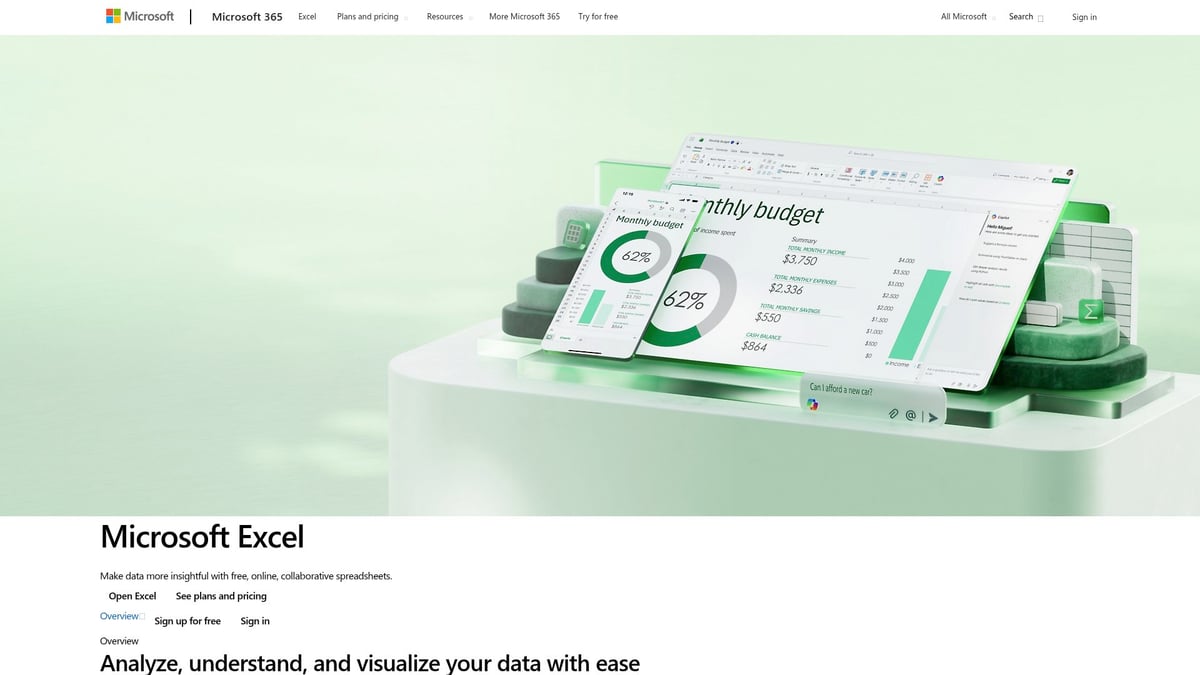
The hallmark of Excel LTSC is its long-term support model—no new features are added after release, but security updates are regularly provided. This stability is crucial for environments where software changes must be predictable and tightly managed.
While this version sacrifices access to the latest innovations, it ensures a reliable, tested workspace. IT departments appreciate the lack of disruptive updates and the extended support window, making it a cornerstone for regulated industries relying on consistent microsoft office excel versions.
Ideal for: Enterprises, government, compliance-driven organizations.
Pros:
- Extended, stable support cycle
- No disruptive feature changes
- Predictable environment
Cons:
- No access to new features
- Not suited for users needing innovation
- Requires volume licensing
Comparison Table: Microsoft Office Excel Versions at a Glance
| Version | Pricing | Best For | Key Features | Update Cycle |
|---|---|---|---|---|
| Excel for Microsoft 365 | Subscription | Teams, businesses | AI analytics, collaboration | Frequent updates |
| Excel 2021 | One-time purchase | Individuals, small business | Offline, classic tools | No feature updates |
| Excel for the Web | Free | Students, quick edits | Browser-based, real-time collab | Continuous improvements |
| Excel for Mac | Subscription/Buy | Mac users, creative teams | Mac-optimized, cross-platform | Regular (365) |
| Excel Mobile | Free/basic, 365+ | Mobile professionals, field teams | Mobile editing, real-time sync | Regular (365) |
| Excel Online for Education | Free (schools) | Students, teachers | Classroom integration, feedback | Ongoing |
| Excel LTSC | Volume licensing | Enterprises, regulated industries | Stable, long-term support | Security patches only |
With these seven microsoft office excel versions, you can align your choice to your needs, whether you seek innovation, stability, or accessibility.
How to Choose the Right Excel Version for Your Needs
Selecting from the many microsoft office excel versions can feel overwhelming. The right choice depends on your workflow, team structure, and future goals. Let’s break down the key factors to consider so you can make the most informed decision possible.
Assessing Your Usage Patterns
Start by evaluating how you use microsoft office excel versions daily. Do you rely on advanced analytics or focus on basic spreadsheet tasks? If your work demands collaboration or AI-powered data analysis, cloud-based versions like Excel for Microsoft 365 may be ideal. For those needing deep analytical tools, reviewing Excel for data analysis can help clarify which version aligns with your needs.
Consider whether you typically work solo or as part of a team. If real-time collaboration is crucial, web and subscription-based options offer significant advantages. For offline, individual use, a standalone version might be more suitable.
Budget and Licensing Considerations
Comparing costs among microsoft office excel versions is essential. Subscription models provide continuous updates but require ongoing payments. Perpetual licenses offer a one-time fee, appealing for stable environments. Free or discounted versions exist for students and educators.
| Version Type | Cost | Updates | Ideal For |
|---|---|---|---|
| Subscription | Monthly/Annual Fee | Frequent | Teams, businesses |
| Perpetual License | One-Time Payment | Limited | Individuals, small businesses |
| Free/Education | No Cost | Varies | Students, schools |
Weigh the total cost of ownership for your scenario before committing.
Compatibility and Integration
Compatibility is crucial when choosing among microsoft office excel versions. Ensure your pick works seamlessly with other Office apps, as well as third-party tools. For organizations with diverse device ecosystems, cross-platform support matters.
If your team needs to integrate with ERP, CRM, or custom business systems, verify that your chosen version supports these connections. For more on this topic, consult the Excel Compatibility Versions guide to prevent workflow disruptions.
Security and Compliance
Security and compliance should be top priorities with any microsoft office excel versions. Regular security updates help protect sensitive data. For enterprises or regulated industries, compliance with standards and data privacy regulations is non-negotiable.
Evaluate whether your version offers the necessary security features and meets any industry requirements. Subscription versions typically include faster access to security patches, which can be critical for business continuity.
Future-Proofing Your Investment
Finally, consider how your choice of microsoft office excel versions will serve you in the long run. Review the support lifecycle and update policies. If you anticipate growth or changing needs, select a version that scales with your business.
Take advantage of AI and automation features to boost productivity over time. Exploring resources on advanced analytics will help ensure your investment keeps pace with innovation.
Expert Excel Help: When to Seek Professional Support
Excel is powerful, but even the most experienced users encounter challenges that can slow productivity or cause costly mistakes. As microsoft office excel versions become more advanced, issues like broken formulas, data inconsistencies, or sluggish workbooks can crop up unexpectedly. When these problems arise, knowing when to seek expert help can make a significant difference in efficiency and accuracy.
Professional Excel support offers more than just quick fixes. Experts can audit and debug complex workbooks, streamline workflows, and unlock the full potential of the latest microsoft office excel versions. Services like Audit and debug Excel spreadsheets provide actionable steps for resolving data errors and optimizing performance. This kind of guidance is especially valuable for businesses managing large datasets, automating processes, or building interactive dashboards.
Continuous learning is essential as microsoft office excel versions evolve with new features and AI-driven tools. Expert-led training can accelerate skill development for users at all levels, from basic functions to advanced analytics. Many providers offer custom workshops, free resources, and ongoing troubleshooting support. If your organization faces recurring spreadsheet issues or needs to optimize business processes, specialized consulting is a smart investment for long-term success.